Adding a data server
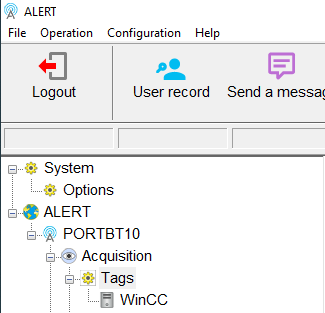
In ALERT 4.0, to add a connection to a data server, do a right click on "Tags" in the ALERT 4.0 tree:
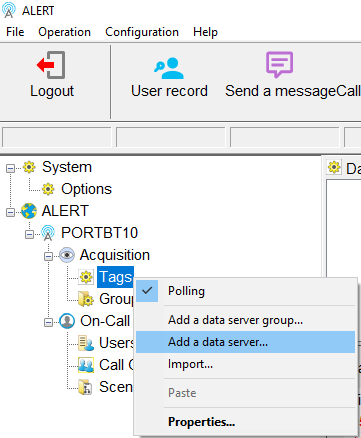
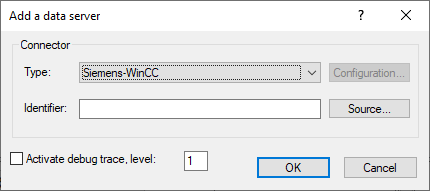
The " Add a data server " window appears :
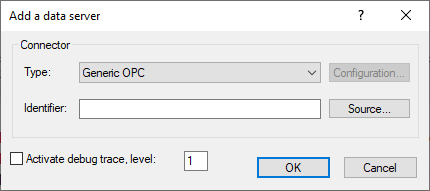
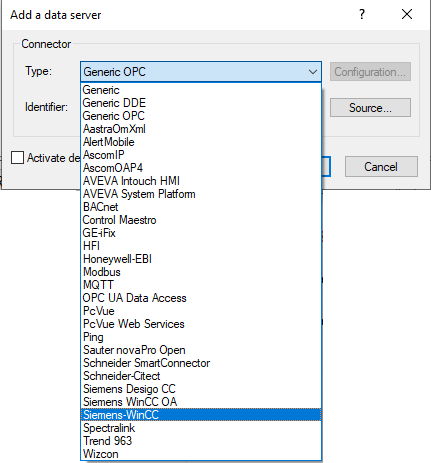
Define the "Type" parameter by selecting a connector to use in the list :
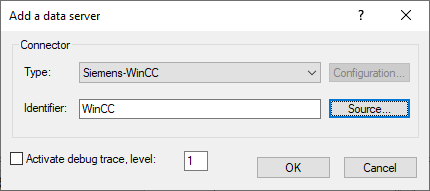
Then click on the "Source" button to specify the parameters of the selected connector (the configuration of these parameters is described in the articles associated with the connectors in the FAQ):
Click on the "OK" button to finalise the add of the data server:
The data server is added in the ALERT 4.0 tree: