ALERTMobile Howto: ALERT connection in Web mode
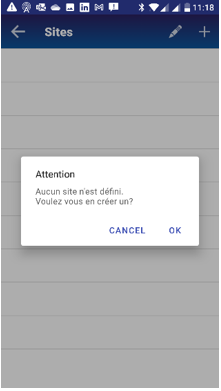
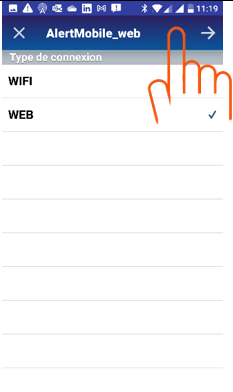
When configuring the Alert connection for the first time, a message (first screen) prompts you to create a site.
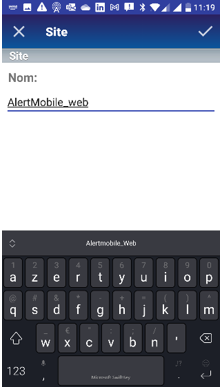
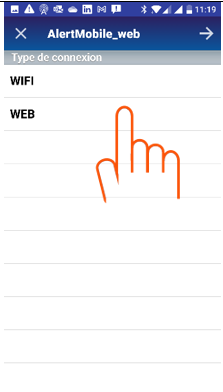
| Create the first site | Choose a name | web connection | Confirm |
|
|
|
|
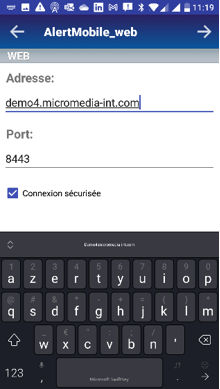
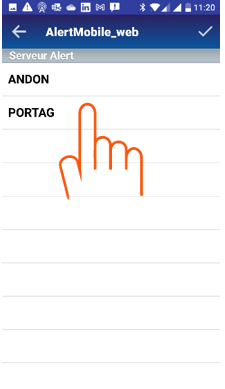
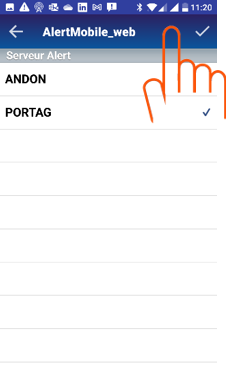
The AlertMobile Gateway service must be operational (click here). The second screen shows all the active Alert stations.
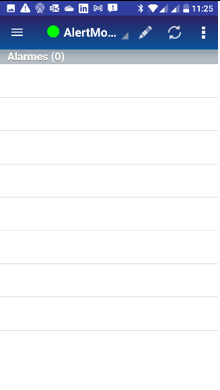
| Enter the AlertMobileGateway address | Select the Alert server | Confirm | Connection established |
|
|
|
|
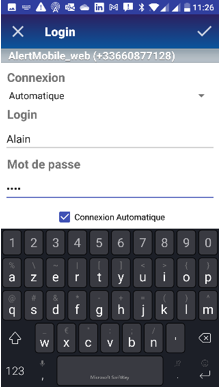
Users must sign in with their login and password to use the AlertMobile app
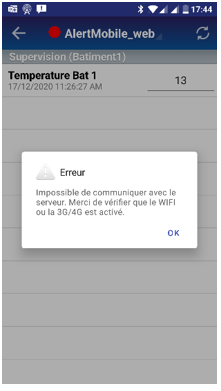
Error ALERTMobile Android
This window is displayed when the connection with Alert is lost, especially if the Alert application has been interrupted. Note that the red circle also means that the connection has been lost.