AlertMobile WIFI: COM ports setup
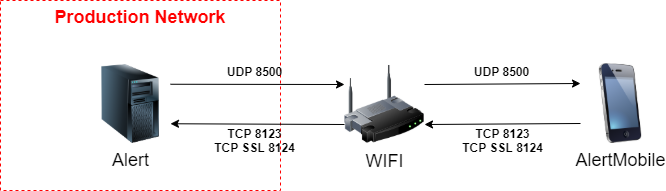
For the communication between Alert and a Smartphone/Tablet (Android only) using AlertMobile application through WIFI communication (LAN), 2 ports must be opened :
1/ Listening port (incoming)
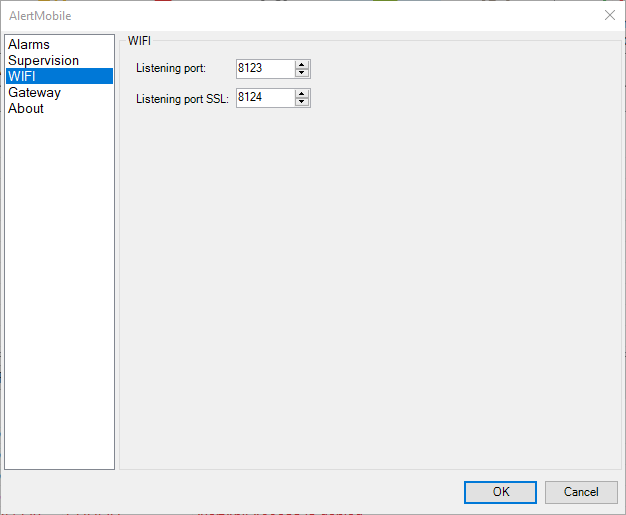
TCP port: 8123 or 8124 in SSL (by default).
Configuration
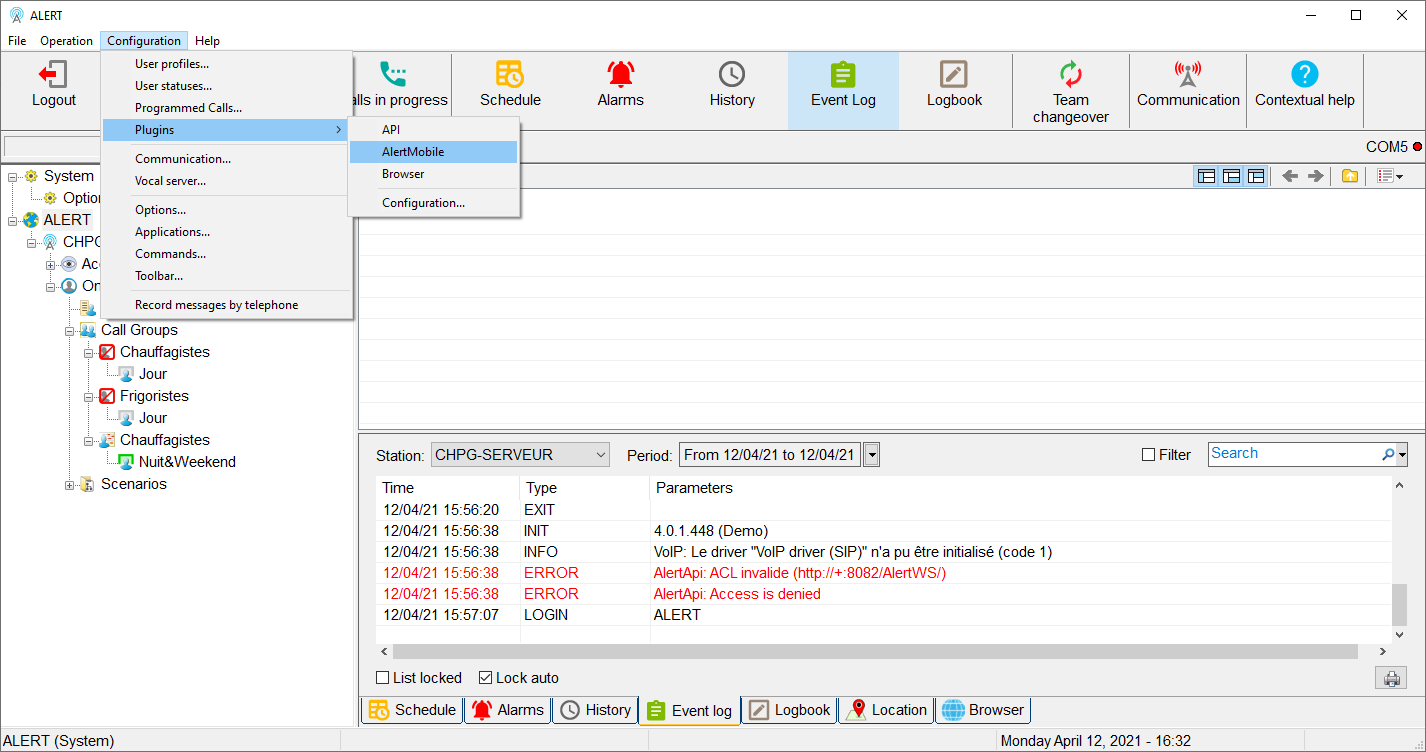
Go to Configuration\Plugins\AlertMobile
Click on WIFI in the left menu, you can now change TCP port.
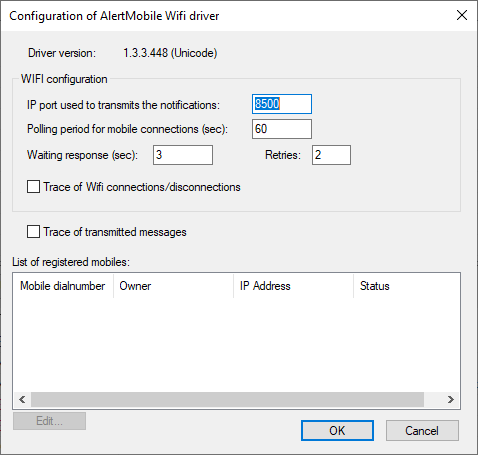
2/ IP port use to transmits notifications (outgoing)
UDP port: 8500 (by default)
Configuration
In Configuration\Communication\Drivers Tab, double click on AlertMobile Wifi.
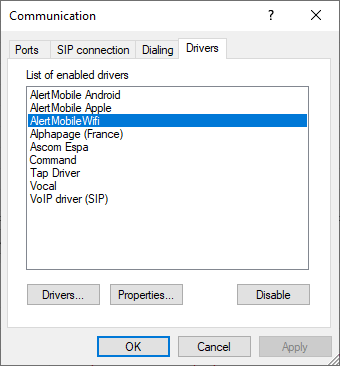
It displays the Configuration of AlertMobile Wifi driver window where you can change the IP port (UDP)