ALERT OPC Tunneler: Uninstall
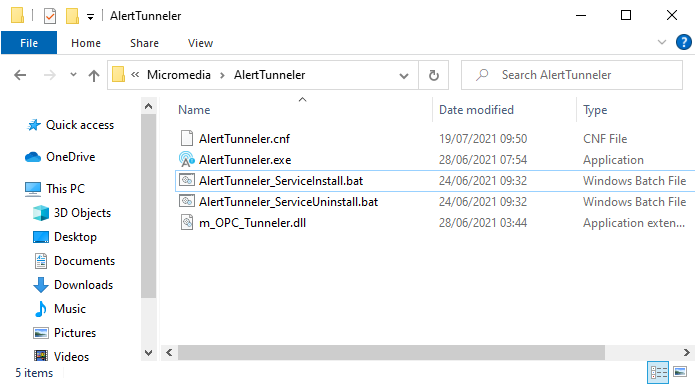
Navigate to the folder :
« C:\Program Files\Micromedia\AlertTunneler » for a 64-bit installation
or
« C:\Program Files (x86)\Micromedia\AlertTunneler » for a 32-bit installation
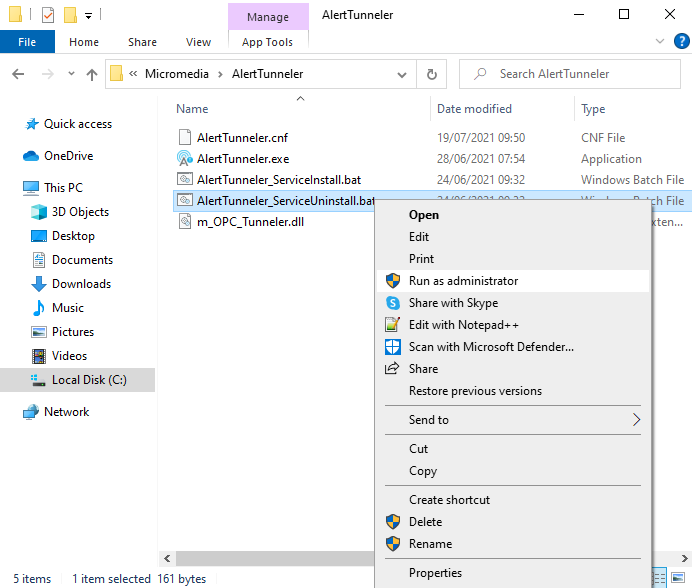
Right click on "AlertTunneler_ServiceUninstall.bat" file, then select "Run as administrator":
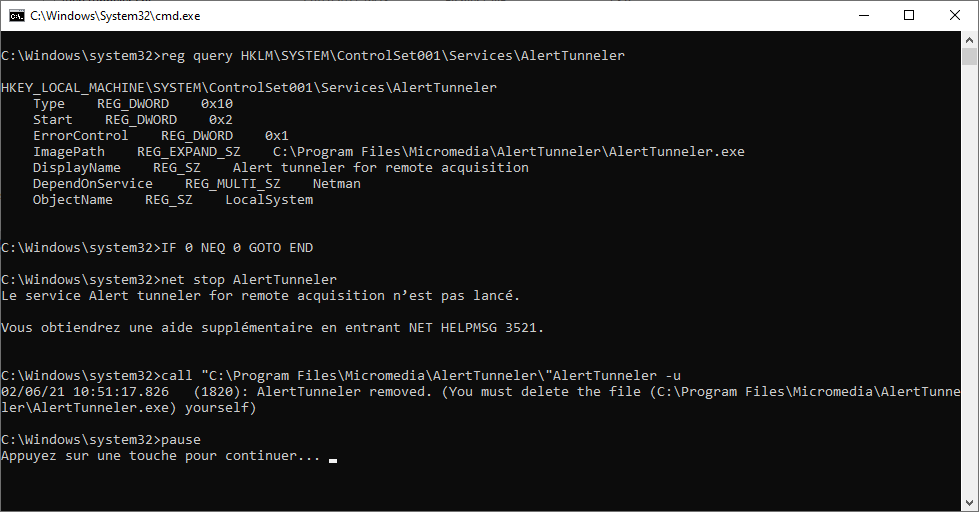
The file "AlertTunneler_ServiceUninstall.bat" is executed in a terminal, when the uninstallation is finished, press any key on the keyboard to close the terminal window: