ALERT 4.0: Deleting drivers loading error at ALERT startup
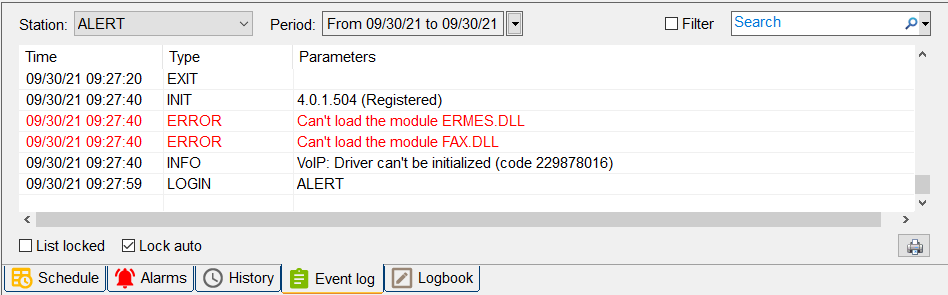
In ALERT 4.0, driver loading errors are specified in the "Event Log" tab at ALERT 4.0 startup.
They are logged like "Can't load the module MODULE_NAME.dll".
Example:
- Can't load the module ERMES.dll
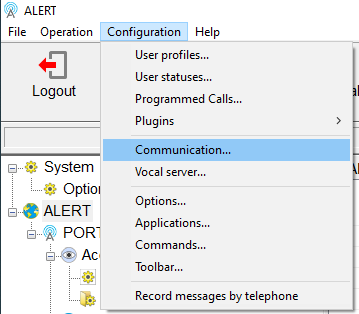
To correct this behavior, click on "Configuration" then "Communication":
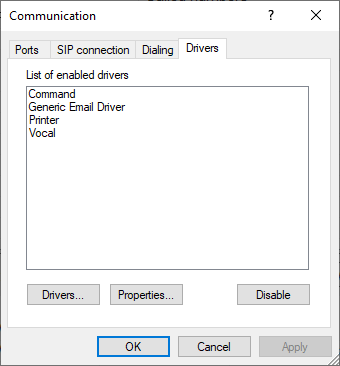
Click on the "Drivers" tab:
Select the driver linked to the error:
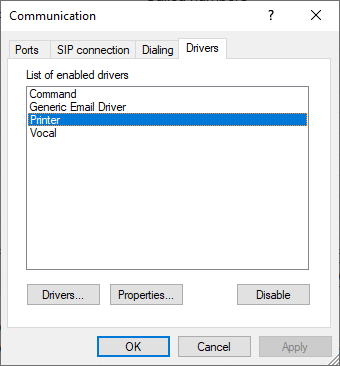
Click on "Disable" button to remove the selected driver from the list:
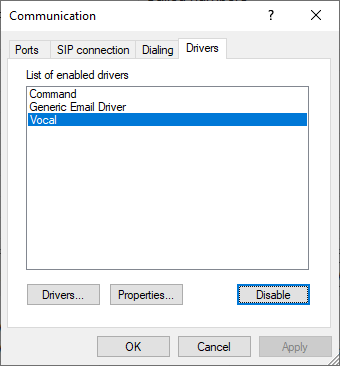
Click on the "Drivers ..." button then select the driver to delete into the list:
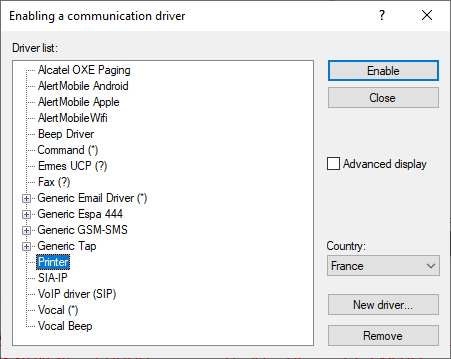
Click on "Remove" button to remove the driver from the list:
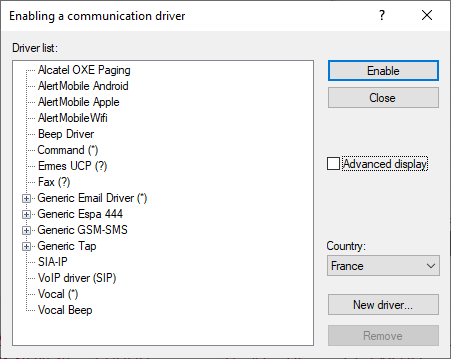
Click on "Close" button:
Click on "OK" button.
The next launch of ALERT 4.0 will not display driver loading error messages into the "Event Log" tab.