Alert - Service : Activation
To activate the service mode, go in the options (Configuration->options), tab Advanced and select the option Application running as Windows service.
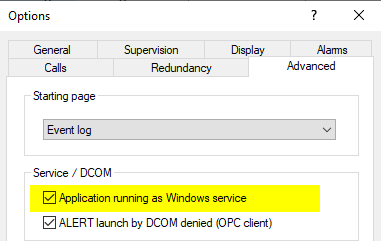
Click on OK to validate your choice.
ALERT ask for a right elevation to write information into the Windows service.
Once the option is validated, at the close of ALERT, a windows appears asking if you want to start the service.
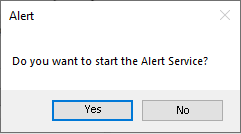
Answer by Yes.