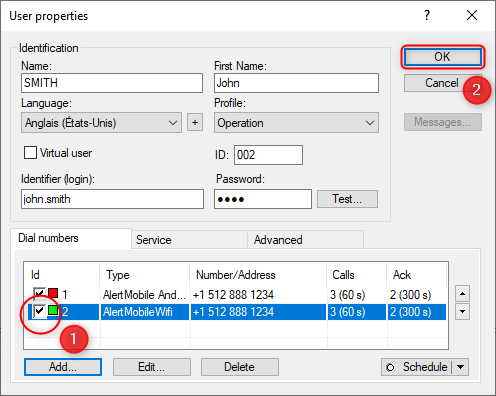
AlertMobile Howto: Adding AlertMobile Wifi to a user
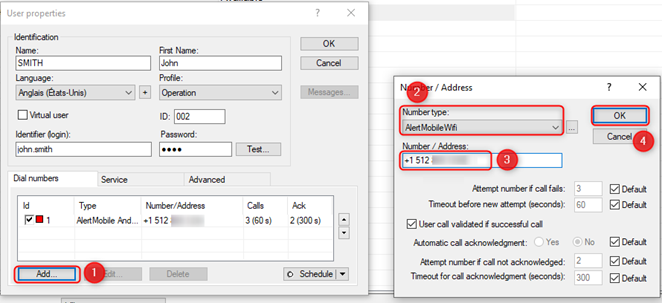
After clicking on User properties, click on the Add... button in the bottom-left corner of the window below.
The Number / Address window is displayed. You must:
- Select AlertMobile Wifi in the Number type drop-down list
- Enter the telephone number in the Number / Address field
- Click on OK to save the data and close the Number / Address window
The second communication channel configured with AlertMobile Wifi is shown below.
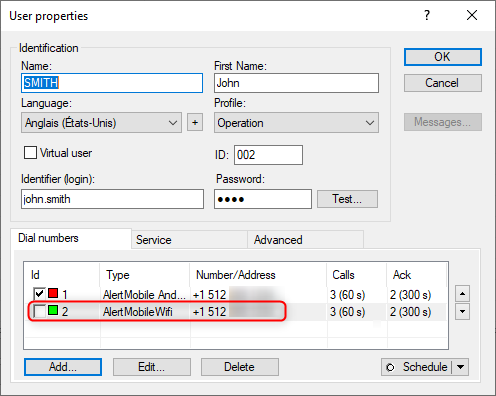
 Check the Id box and then click on the OK button to enable the channel