AlertMobile Howto: Safety tab
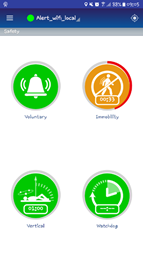
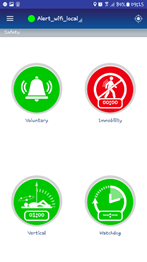
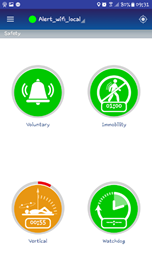
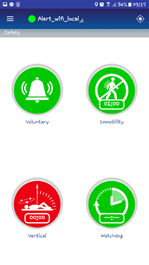
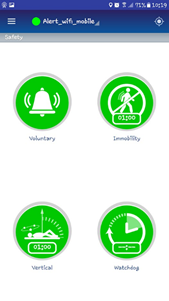
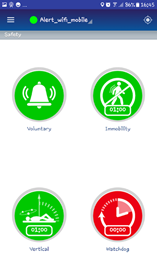
The safety tab is used to enable the "LWP or Lone Worker Protection" features. The four safety features below are green when they have not been enabled.
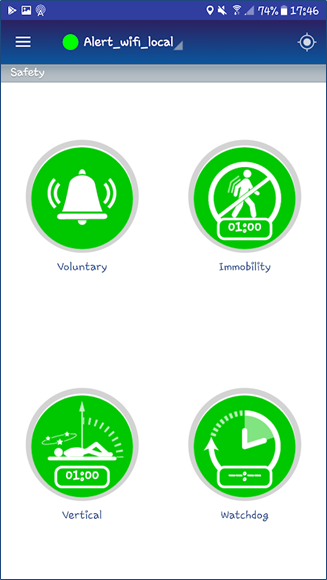
Voluntary
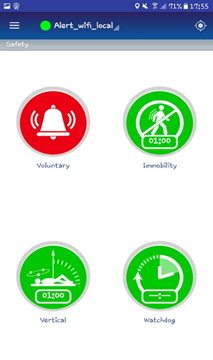
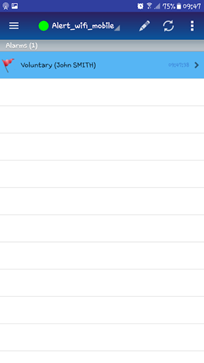
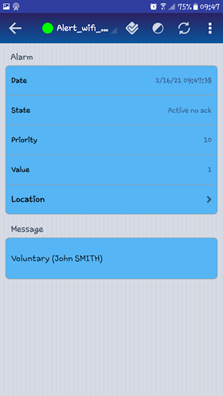
The following screens show the cycle for this alarm. Holding down the Voluntary button generates an alarm in Alert.
Immobility
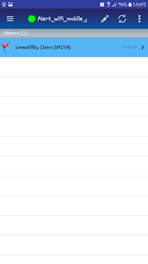
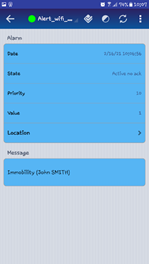
The following screens show the cycle for this alarm. Tapping the Immobility button starts a countdown (the time can be configured in the preferences). When the countdown reaches zero, an "immobility" alarm is triggered.
Vertical
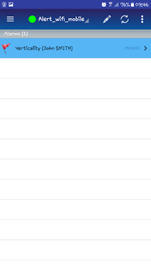
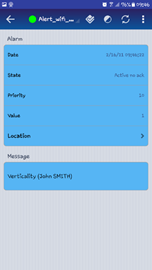
The following screens show the cycle for this alarm. Tapping the Vertical button starts a countdown (the time can be configured in the preferences). When the countdown reaches zero, a "Vertical" alarm is triggered.
Watchdog
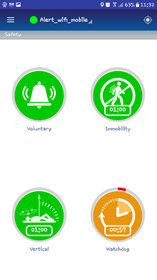
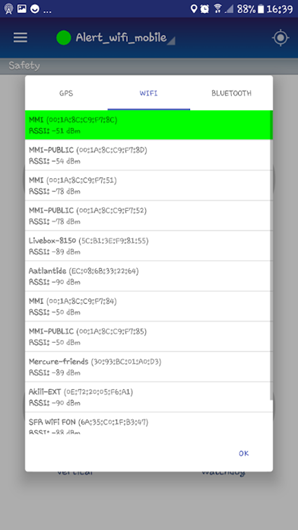
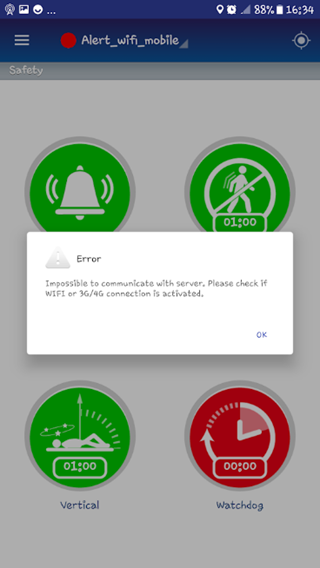
This safety feature is used to keep tabs on users as they pass through a radio quiet zone (no Wi-Fi or GSM coverage). A countdown is configured to determine the time required to pass through or perform an operation in the radio quiet zone. If the connection is still lost after the countdown reaches zero, Alert generates a "Watchdog" alarm. The countdown must be configured in the Preferences/Safety tab.
| Countdown (back to normal if the Wi-fi connection is good) | The Wi-Fi signal gets weaker/lost | |
 |  |  |
| Countdown | Connection lost | |
|  |  |