AlertMobile Howto: Preferences tab
This tab is used to customize or configure how certain aspects of AlertMobile function. Customizing AlertMobile also includes the possibility of defining Restrictions, as described in the next section.
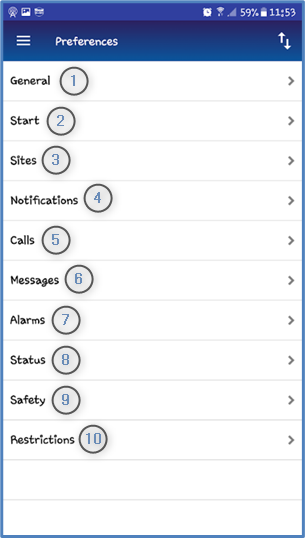 |
|
 Export / import.
General | Start |
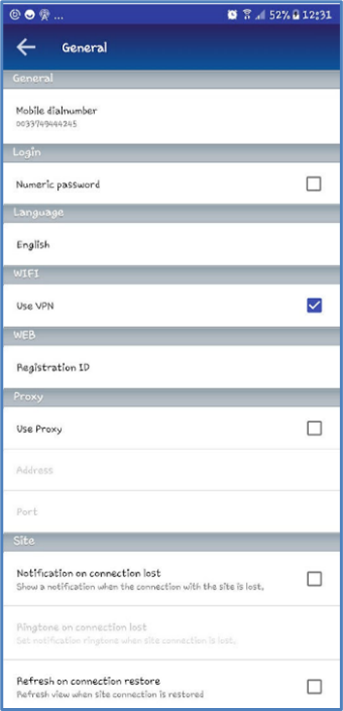 | 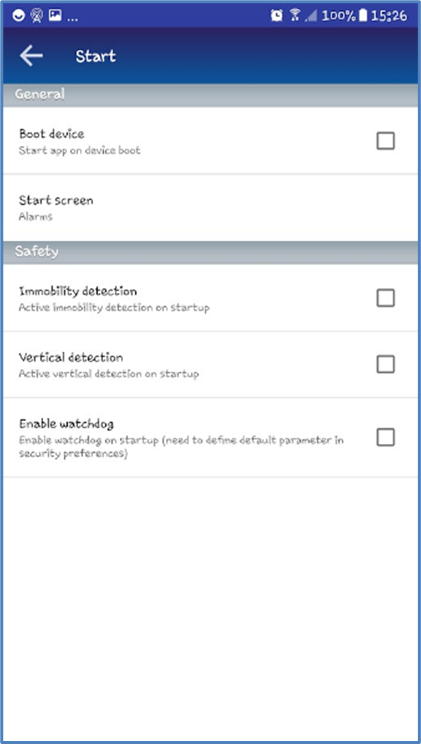 |
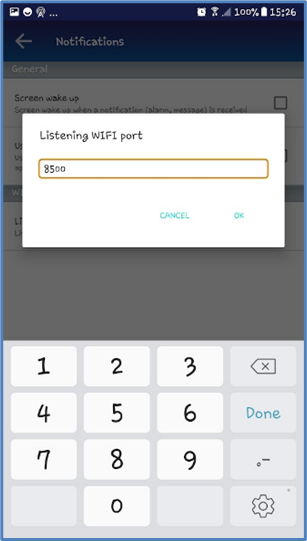
Notifications | |
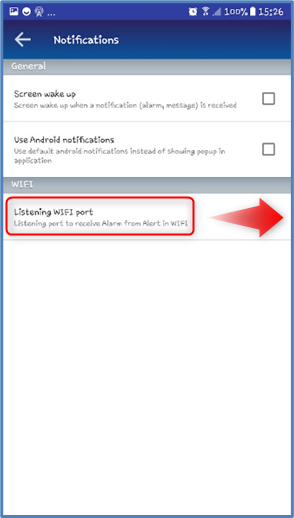 |  |
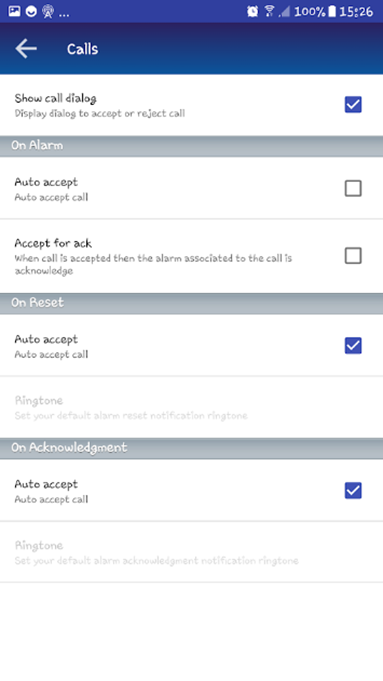
Calls | Alarms* |
 | 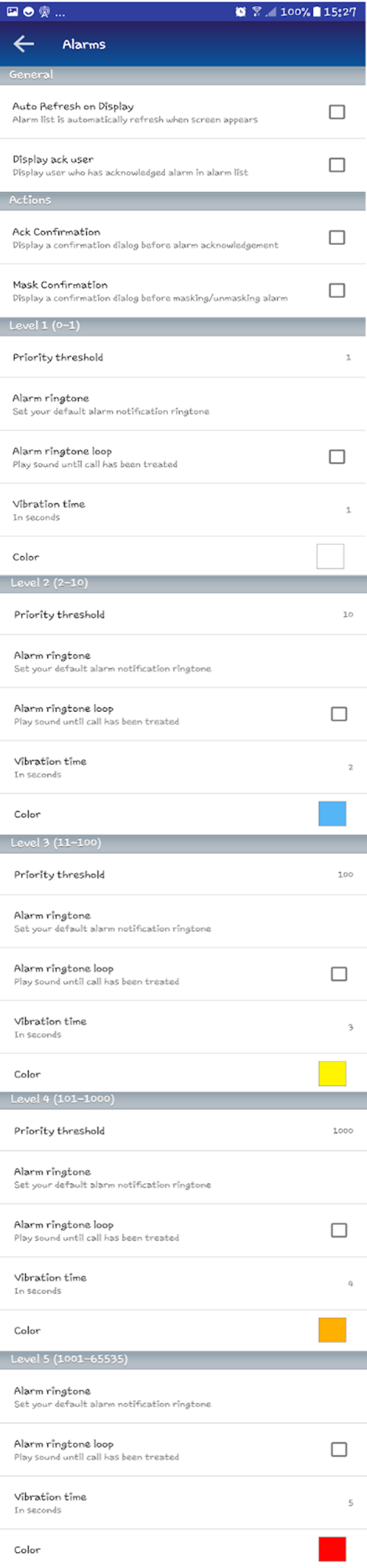 |
* ALERT assigns a priority number to alarms. Colors are available in AlertMobile for each alarm priority level and can be customized.
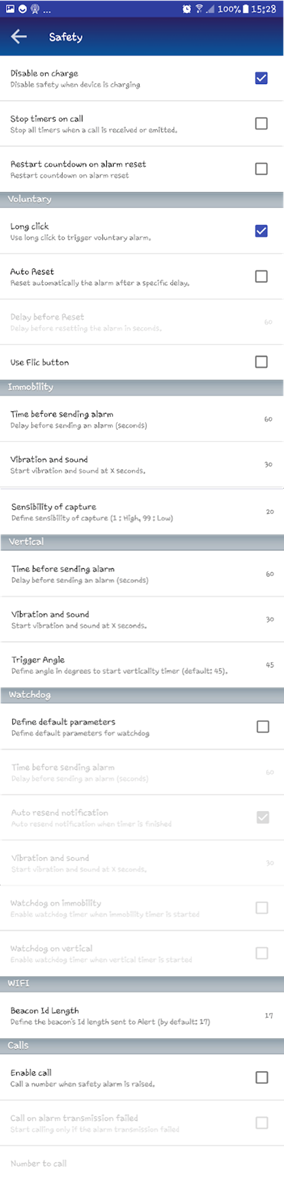
Safety |
 |
Loop ringtone and alarm ringtone availability
|
In Preferences -> Notifications
Use android notifications |
In Preferences -> Calls
Display call window |
In Preferences -> Alarms
Loop ringtone
|
In Preferences -> Alarms
Alarm ringtone |
|
❌ |
❌ |
❌ |
✅
|
|
❌ |
✅
|
✅
|
✅
|
|
✅
|
❌ |
✅ |
❌ |